Here are some suggestions on getting digital copies of analog content.
Sadly having a digital copy of a document or printed picture is only part of the job!
There is a set of information that belongs with the digital copy that is not automatically recorded.
Technically this is
Having said all that
Do not reject/ignore interesting / relevant content just because the context is weak. Who knows, some-one else might be able to provide more context if the only could see some content.
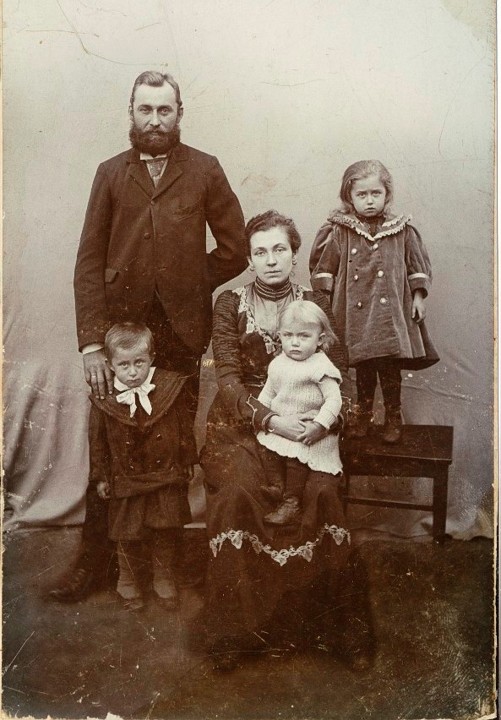
The picture on the left is from my wife's family picture collection.
Frankly the picture on its own meant nothing to me. Just visual
The picture on the right, a screenshot of a PowerPoint presentation, means far more.
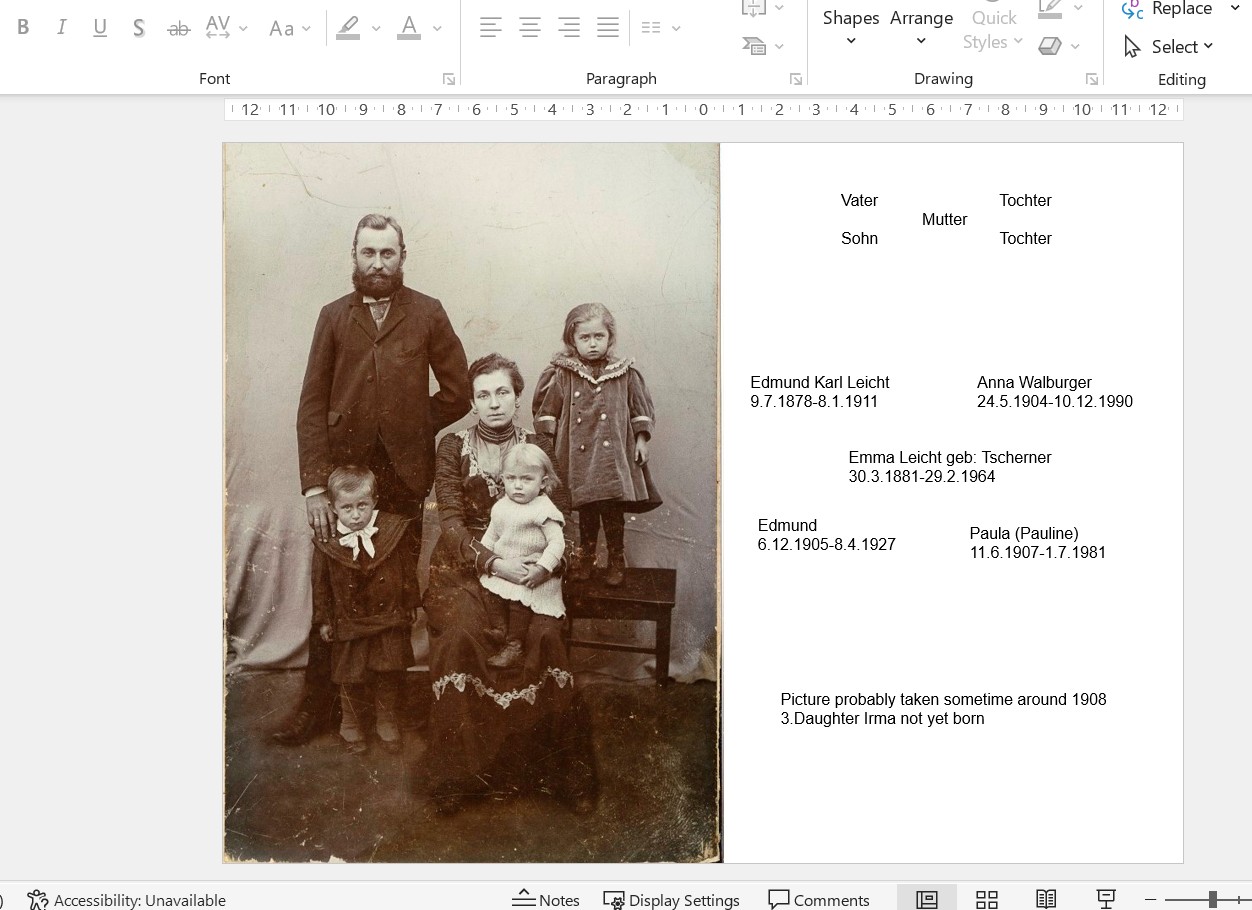
So, for future use, I digitised the picture.
Placed a copy of the image in a PowerPoint slide, and added to the slide that information that I was able to squeeze out of my wife and her family.
Not perfect but at least the context has been captured. Ideally the context could be embedded in the image file.
Initially this context was simply written down on a piece of paper whilst
An easier/quicker solution would have been to place the paper picture on a sheet of clean paper, write the context information next to the picture and then digitise the whole (scan or digital camera).
So the
Context captured to paper, with some identifiable link to the original picture, and then digitised, is better than
The lack of adequate
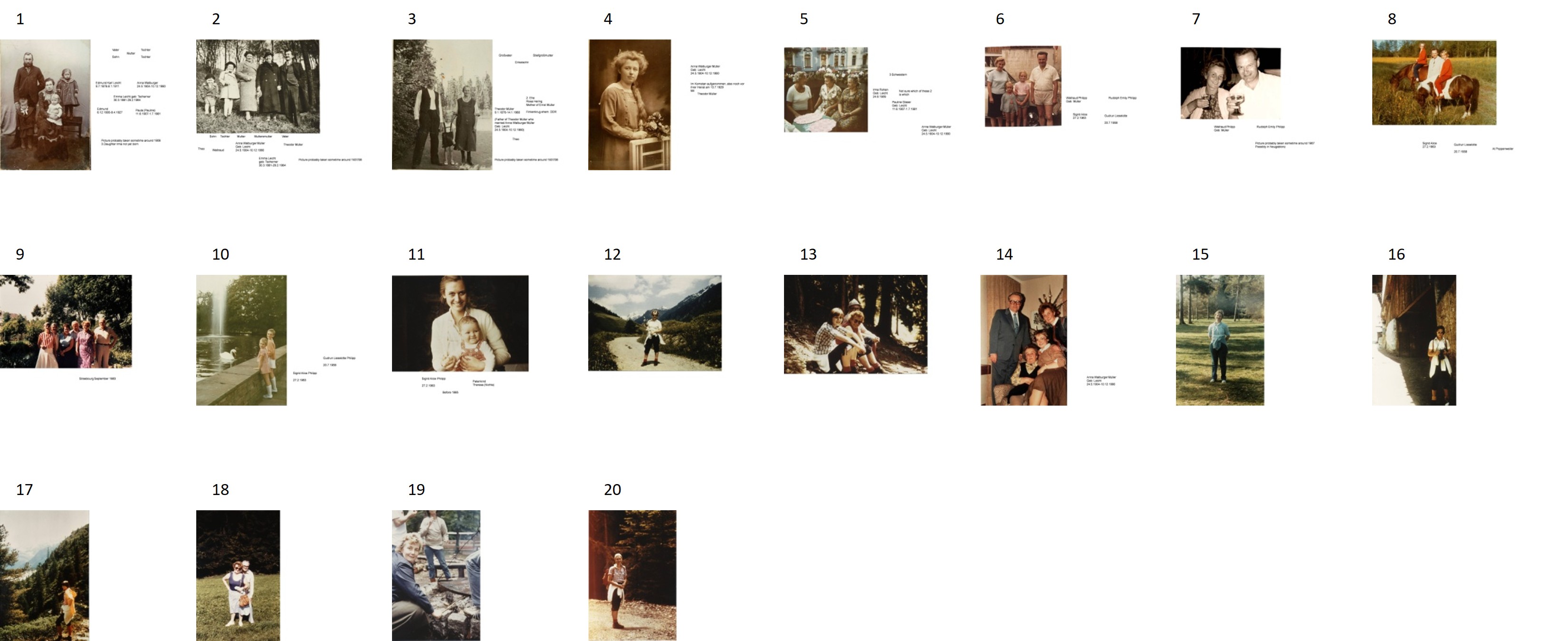
If you really want to get nerdy, you could write a VBA script to scan all the images in a folder and create a PowerPoint overview
It is a bit like the contact sheet we used to get for a set of negatives, or slides!
Sadly having a digital copy of a document or printed picture is only part of the job!
Imagine that you have a set of printed picture, then you digitise them.
If you are scanning say a set of pictures that were take taken at the same time or place, then get a sheet of paper and write on it the relevant information.
Then scan that sheet as well, and place it in the
This is some of my experiences gained when digitising my analog picture/film strips/slide.
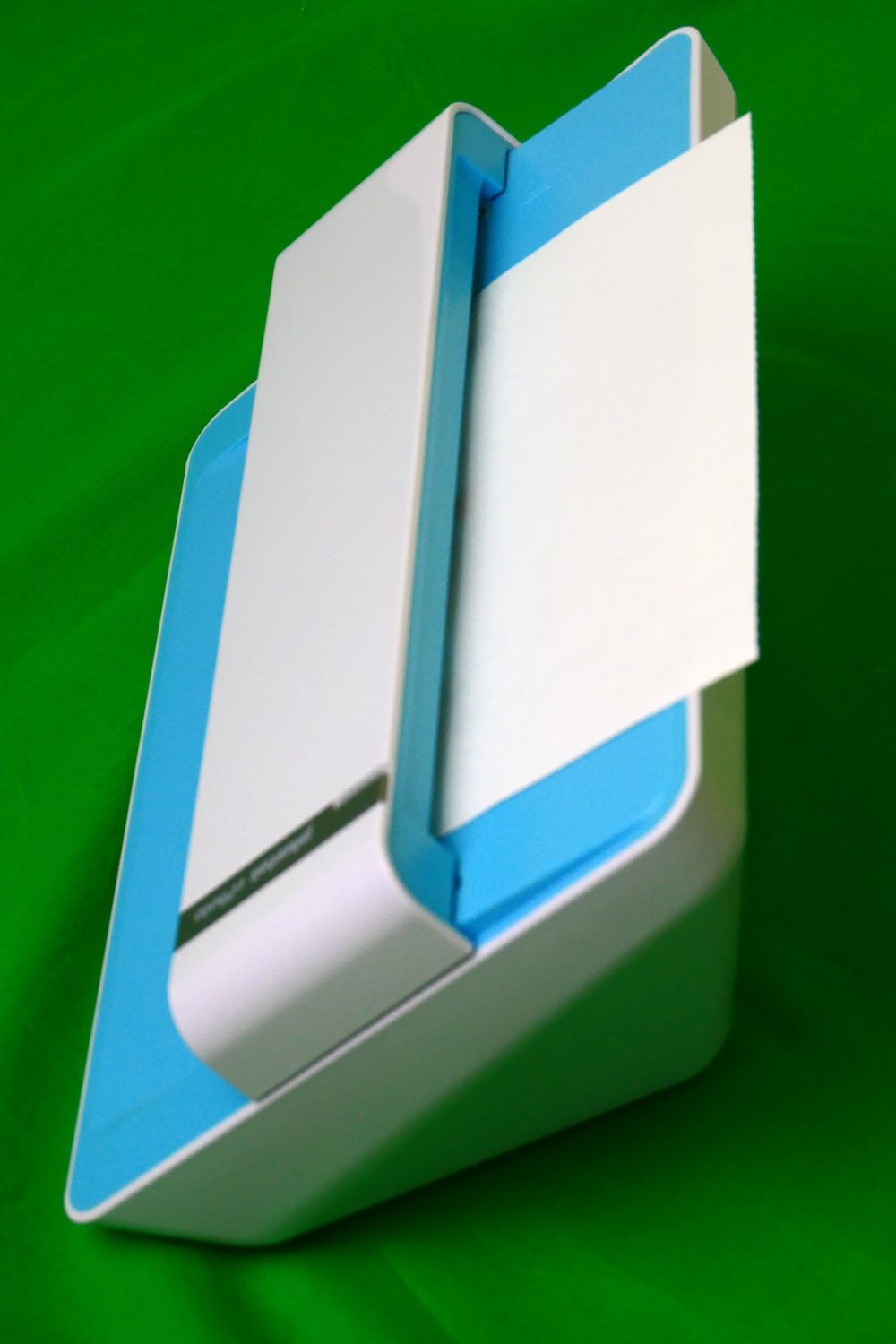
I used this single page hand-feed scanner for my collection of family photographs and for single sheet documents.
It has two resolutions 300 dpi quite fast, and 600 dpi much slower.
My approach was to scan family snaps at 300 dpi.
Review the images and then submit the better photographs to a higher resolution scan, either on this scanner at 600 dpi or some other scanner.
Simple documents at 300 dpi seems okay.
Historical documents, use the best you resolution you can!
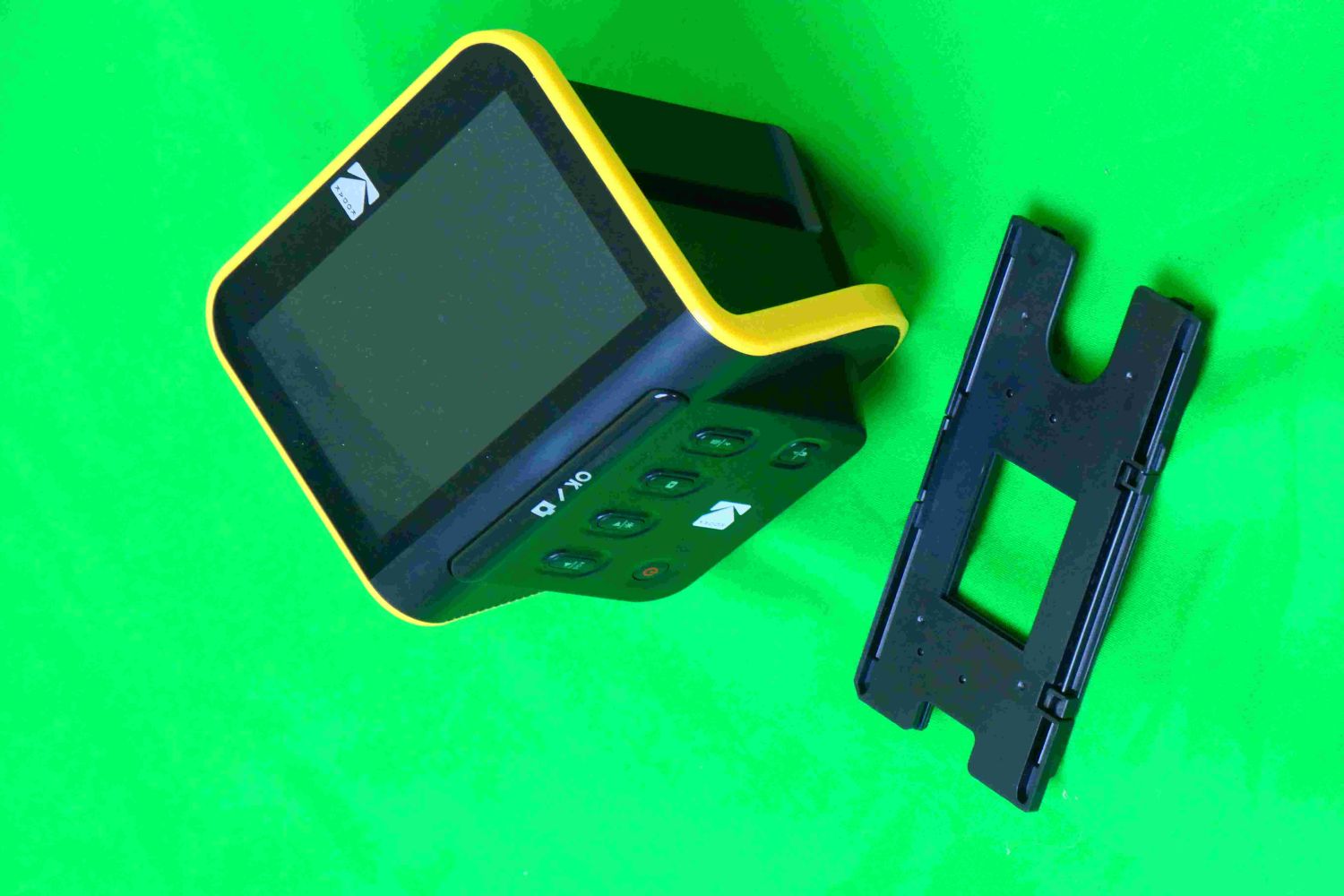
Professional archivists will tell you to clean the film strips and slide first.
They are, in my opinion,
I have over 2000 35mm slides. Most of which are snaps, but not particularly important!
My approach was to scan all without cleaning.
Review the scans
Clean and rescan only those images worth the effort.
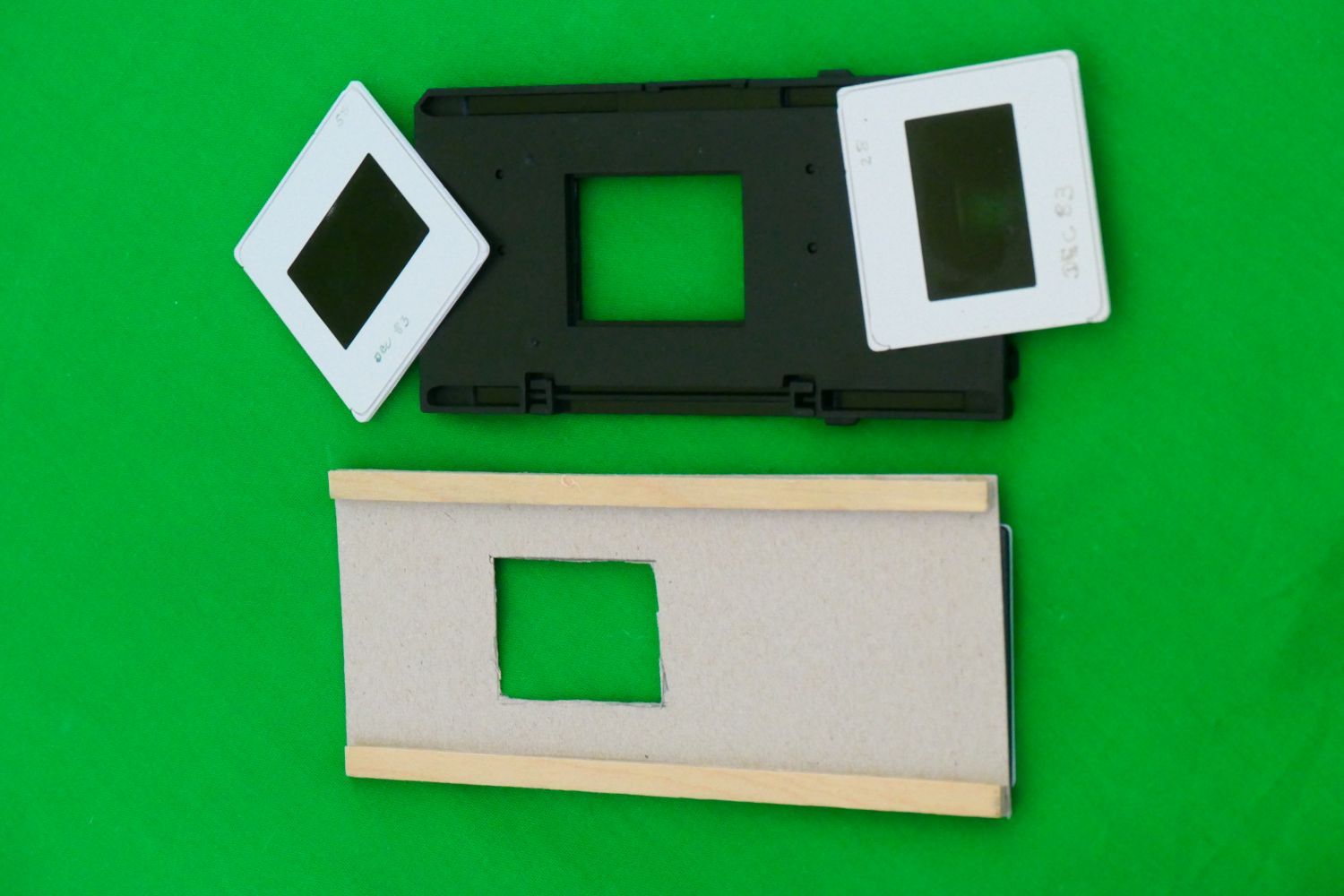
I have a lot of self-mounted slides. Their casing was too thick for the scanner, so I made a new sledge out of stiff card and two stips of wood.
I used the same approach for my 35mm film strips!
No good for 6*6 strips/slides.
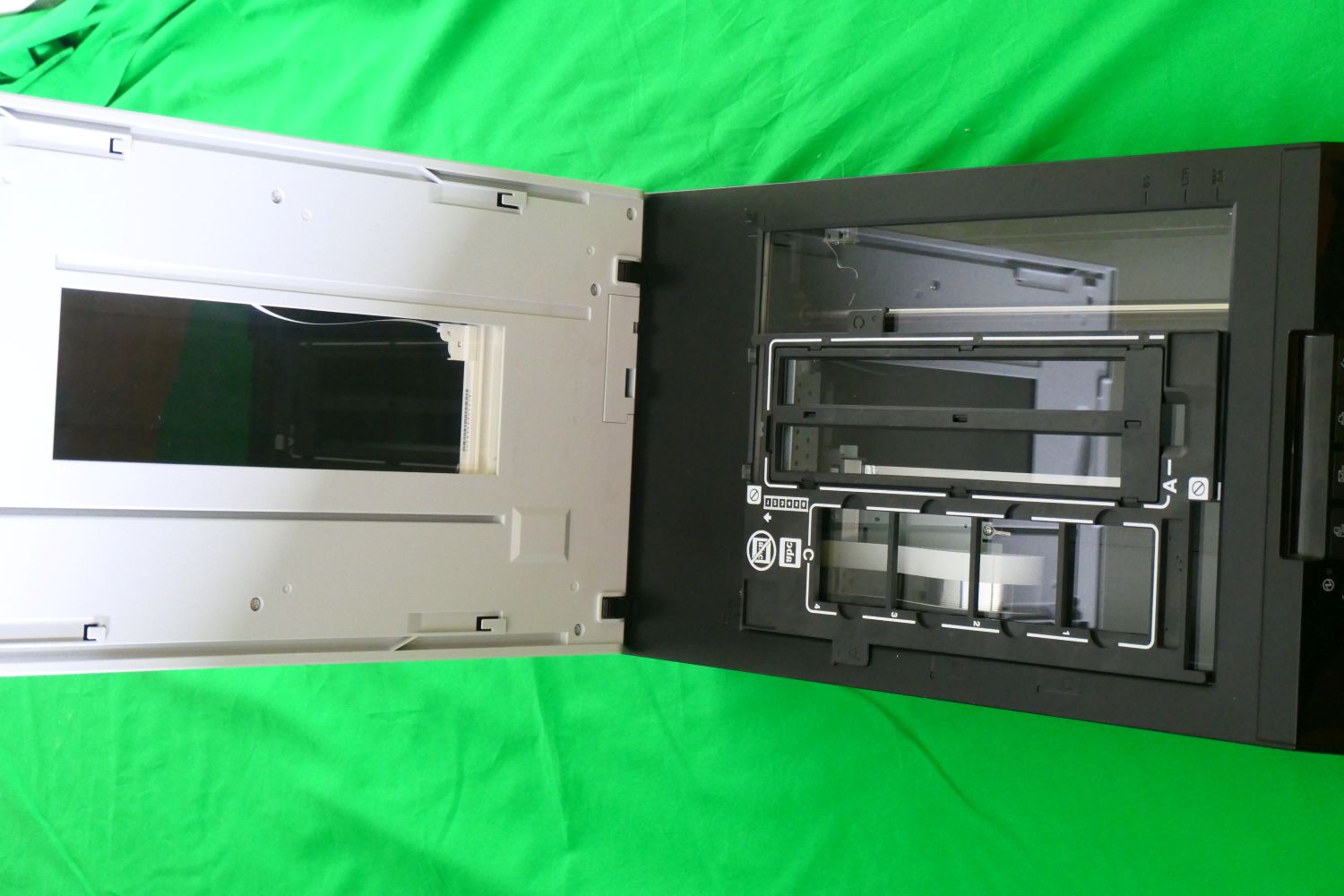
Not too good with books or magazines, the spine gets opened.
Good for quality scans of single sheets. But slow!
This sanner has a back-light for slides and film strips.
But slow in setting up, you must put the strip/slides in to a special carrier.
Slow in scanning
So I bought an extra set of the carrier so I could load one whilst the other was being scanned.
On delivery the backlight unit was faulty. Replaced under guarantee. Same failure about 1 month out of guarantee.
I bought this scanner because of its film strip/slide capability for 35 mm and 6*6.
Fortuately I was able to scan all my color stock before the back-light failed the second time, after which it was okay for b/w stock.
But I found it way to slow and cumbersome for film strips/slides.
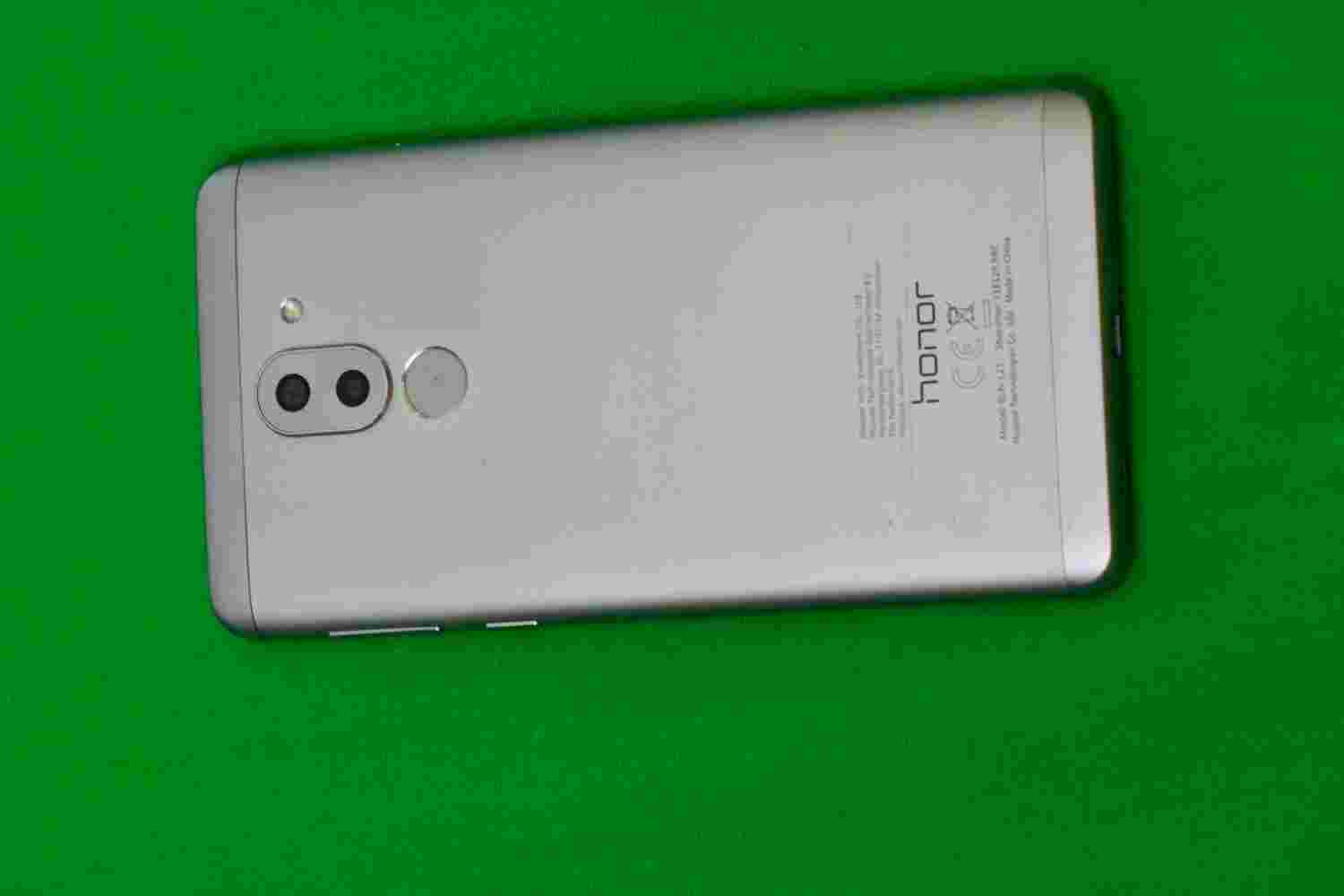
Most have good to very good cameras.
An issue is transfering the images to a PC so that it can be included in a
1) Transfer to a local PC using
2) Send it via say
You can have a higher resolution if you can set your phones
Even more if you send the image as a
Where possible avoid
Plain black/white/green are usually good choices.
I have three photographers sheets, cheap ones. Plain black, white and green.
I even experimented, successfully, with a green plastic shower curtain.
Lighting is
The only advice I can give is to try out as main options as you can until you find a successful formula.
I have a set of 4 semi-profesional lights/stands, and a small ring light for small objects. But I am seldom really happy.